 Visual Schedule
Schedules your child can follow alone
Big pictures. Plain words. One step at a time. Milo can tap when a step is done, or you can do it together.
Visual schedules for your family
You build the routine once. Your child follows the pictures, and you stop repeating the next step.
Free to start. No ads. Still in development — leave your email and we will tell you once, when it launches.
Where it lives
Prop the iPad up where the morning happens. Milo checks the next picture without asking, so the morning needs fewer reminders.
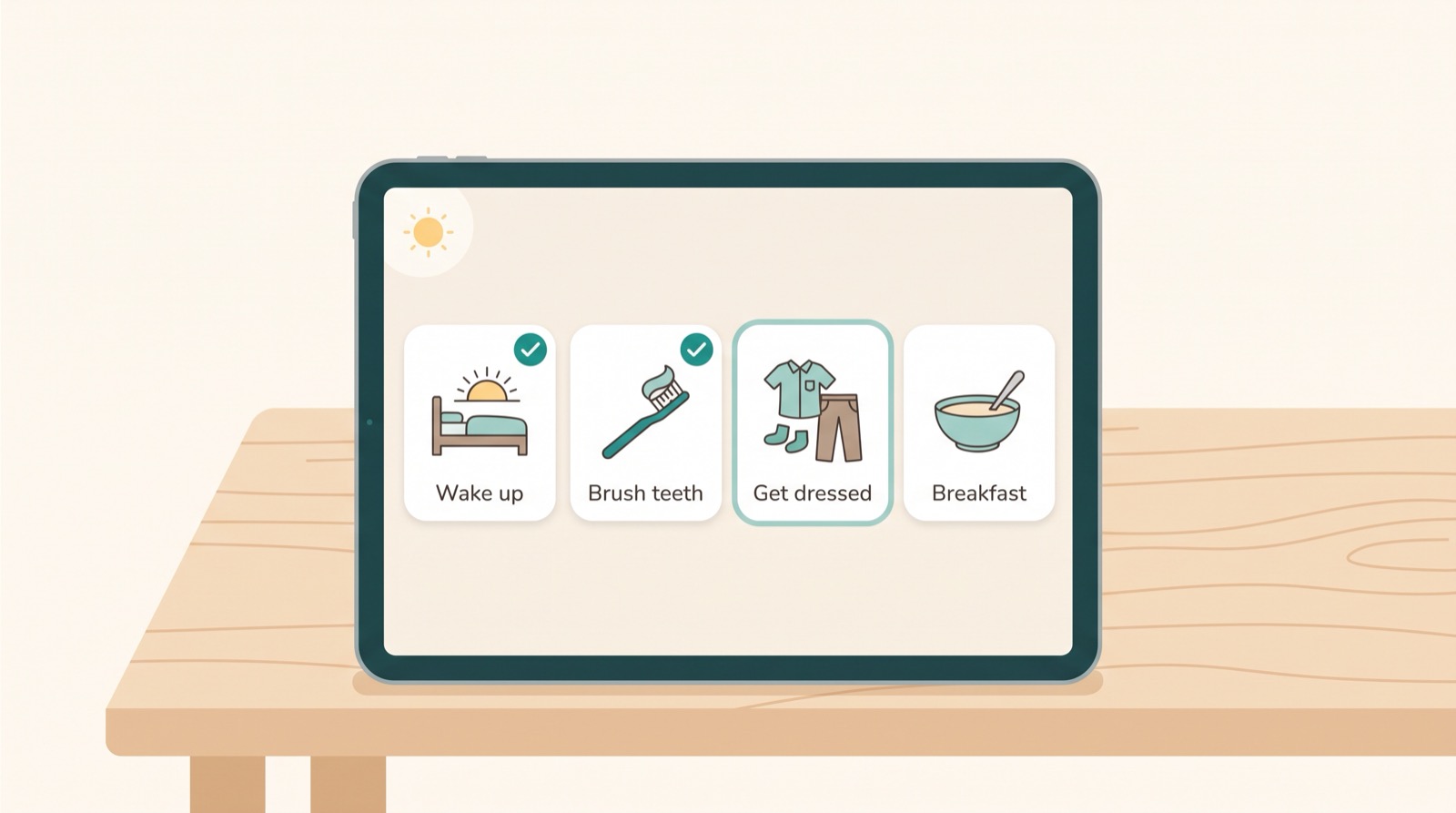
One morning, made visible
A few minutes later, Milo is on step 3. Four clear steps. A calm marker shows where Milo is, not how fast to go.
Step 1
Open the blinds. Stretch. Say good morning.
Step 2
A small timer can help. It waits if Milo needs longer.
Step 3
NowShirt, pants, socks. The picture shows the order.
Step 4
Sit down. Eat. The routine ends softly.
Step 3 of 4. Finished steps stay checked, so Milo can see progress without pressure.
Built for real families
You keep the plan simple. Visual Schedule keeps everyone connected.
Big pictures. Plain words. One step at a time. Milo can tap when a step is done, or you can do it together.
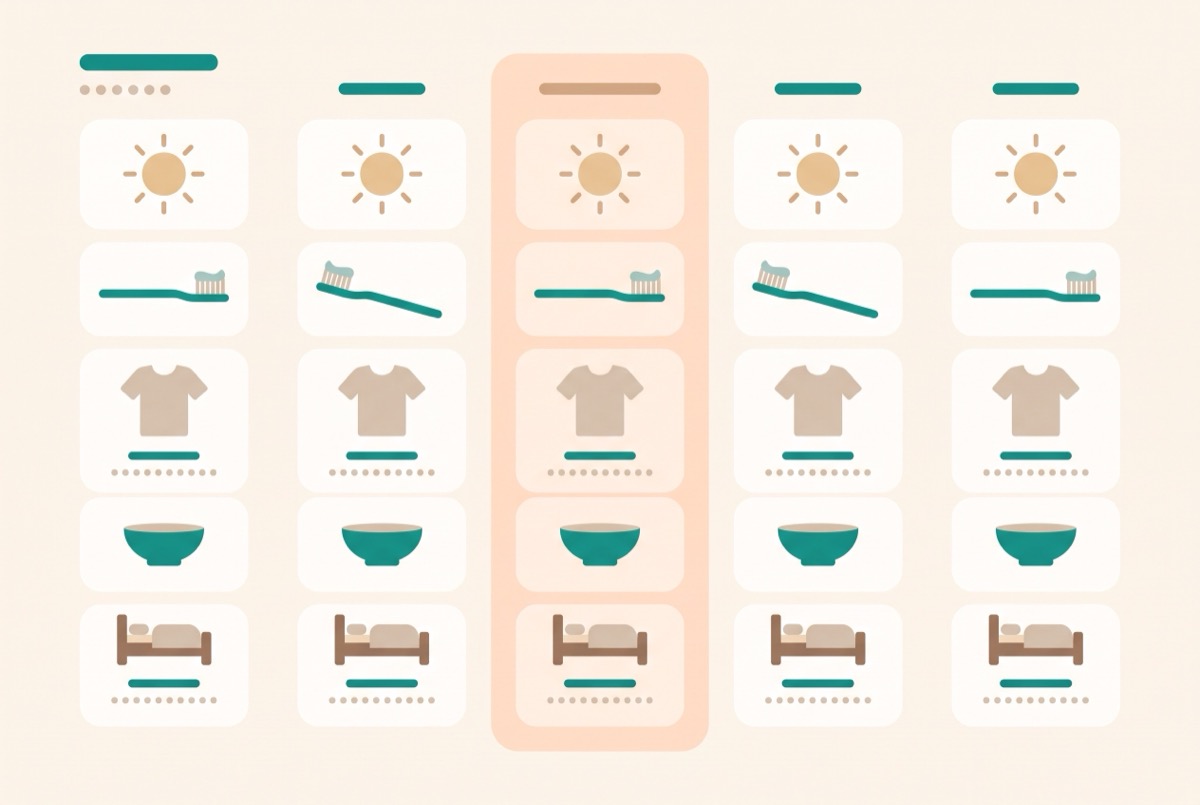
When one caregiver checks off “Brush teeth,” the change appears for everyone — up to five people. No repeated questions. No crossed wires.
Send a read-only link to the routines you choose. Your therapist sees the plan, not your whole account — and needs no account of their own.
Timers that never blame
A timer is a helper, not a scorekeeper. When it ends, the words stay soft.
Gentle microcopy
Visual Schedule uses words that assume effort. It names the next step. It leaves shame out.
Simple pricing
No ads in either plan. Family is billed and cancelled through your Apple ID.
Good for trying a calm first week.
Or $49.99/year, about $4.17/month — roughly 40% less than paying monthly.
The 7-day trial runs through the App Store, which shows the price before you confirm. Cancel anytime from your Apple ID. Keep Free if Family is not right now.
Questions parents ask
If you are trusting an app with your child’s day, you deserve plain language.
Your child’s profile is private to your family and only needs a nickname — no real name, birthdate or diagnosis. There are no ads, and we do not sell data or track your child across other apps.
Yes. Routines live on the device, so Milo’s morning still works in a car, classroom, or quiet corner. Changes sync when you are back online.
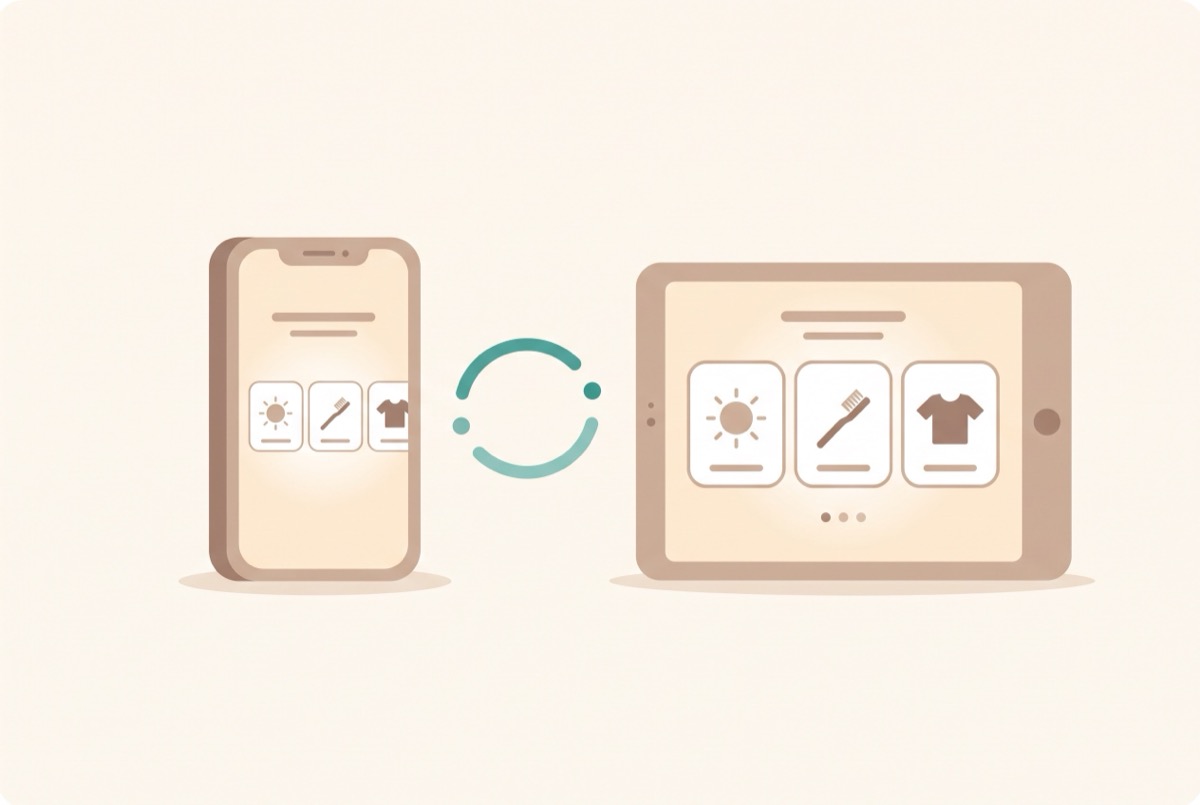
Visual Schedule is made for iPhone and iPad. A caregiver can update a routine on one device, and the other synced devices receive it when they connect. There is no Android version.
Only what you share. A therapist share link shows the routines you choose, such as “Morning routine · 4 steps.” It is read-only, needs no account on their end, and you can turn it off whenever you want.
Yes. You name every step in your own words when you build a routine. The timer words stay gentle by design: they never say “late” or “missed.”
Get notified
One email when the app reaches the App Store. We do not send anything else, and we never share your address.